
AI Image Upscaler
Main Features
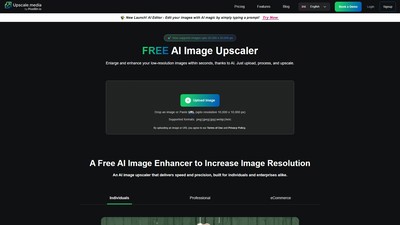
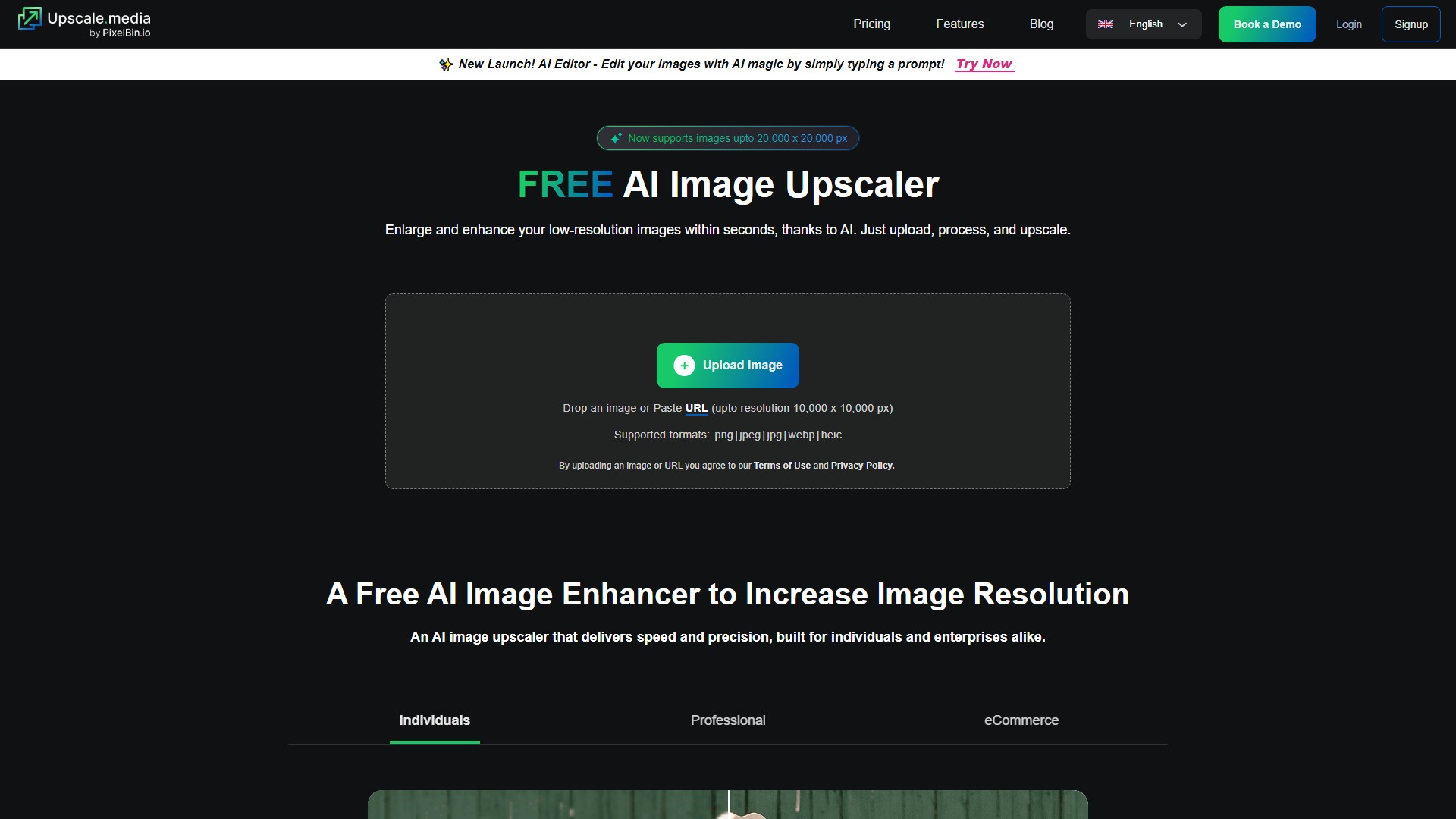
Upscale.media is an AI image upscaler that enlarges and enhances low-resolution images within seconds using AI. It allows users to upscale images up to 2x, 4x, or 8x without losing clarity. The tool supports image uploads up to a resolution of 10,000 x 10,000 px, and now supports images up to 20,000 x 20,000 px. Supported formats include PNG, JPEG, JPG, WEBP, and HEIC.
How It Works
The AI image upscaling process relies on a neural network for photo resolution, which is trained on millions of high and low-resolution image pairs. When a photo is uploaded, the image upscaling algorithm analyzes patterns, textures, and edges to enhance the image quality. It then predicts and generates additional pixels to sharpen and refine the image.
Target Users & Use Cases
- Individuals: Restoring old or low-quality personal photos.
- Professionals (Photographers, Designers): Enhancing high-resolution images for print or digital use, restoring old or grainy photos.
- eCommerce Businesses: Improving product images for better customer engagement, making items appear sharper and more professional.
- Real Estate Professionals: Enhancing real estate pictures to create high-quality listings that attract more buyers and renters.
- Anime Fans & Artists: Upscaling anime images online, sharpening fan art and illustrations without blurring.
- Social Media Creators: Enhancing blurry selfies, travel pics, or memes to ensure content looks professional across all platforms.
- Archivists & Hobbyists: Restoring old family photos and historical images with high resolution.
Core Advantages
- Fast & Free AI Upscaling: Get high-resolution upscaled images in seconds, without watermarks or hidden costs.
- No Software, No Skills Needed: Requires zero installation or technical expertise, usable directly in the device's browser.
- Bulk Processing: Process multiple images at once with an optimized AI engine system, perfect for businesses and creators who need to upscale batches of photos quickly.
- Seamless API Integration: Integrate powerful APIs directly into existing systems for effortless automation.
- AI-Powered Precision: Automatically enhances details, removes blur, and sharpens edges. Unlike manual resizing which stretches out pixels resulting in blurring, AI adds realistic details.
Usage Process
- Upload Image: Drag and drop JPG, PNG, or WEBP file.
- AI Analysis: Advanced neural networks analyze each pixel efficiently, remove blur and artifacts, and reconstruct missing details automatically.
- Select Enhancement Level: Select 2x, 4x, or 8x enhancement with one click.
- Download HD Results: Get crystal-clear, high-resolution image in a single click.
Frequently Asked Questions (FAQ)
- Can you upscale a photo without losing quality? Yes. AI upscaling preserves quality by using deep learning algorithms that reconstruct details instead of just stretching pixels.
- What’s the best free tool to upscale images? Upscale.media is a top-rated free online tool that offers watermark-free enhancement with AI-powered 2x, 4x, or 8x upscaling.
- Does Upscale.media work on mobile? Yes, it can be used on mobile browsers without needing to install any apps.
- How is AI upscaling better than manual resizing? AI adds realistic details using neural networks, ensuring high-resolution images, whereas manual resizing stretches out pixels resulting in blurring.
- Can AI enhance artwork, anime, or illustrations? Yes, it sharpens lines and colors without distortion.
Pricing Model
Offers free usage options, alongside a dedicated Pricing page and enterprise features like API integration and Bulk Transformation, indicating a freemium and paid model.
議論する