
VanceAI Image Upscaler
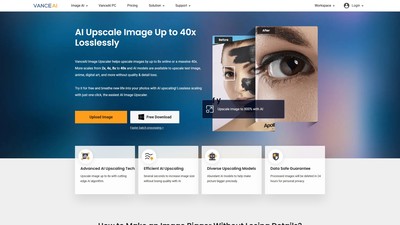
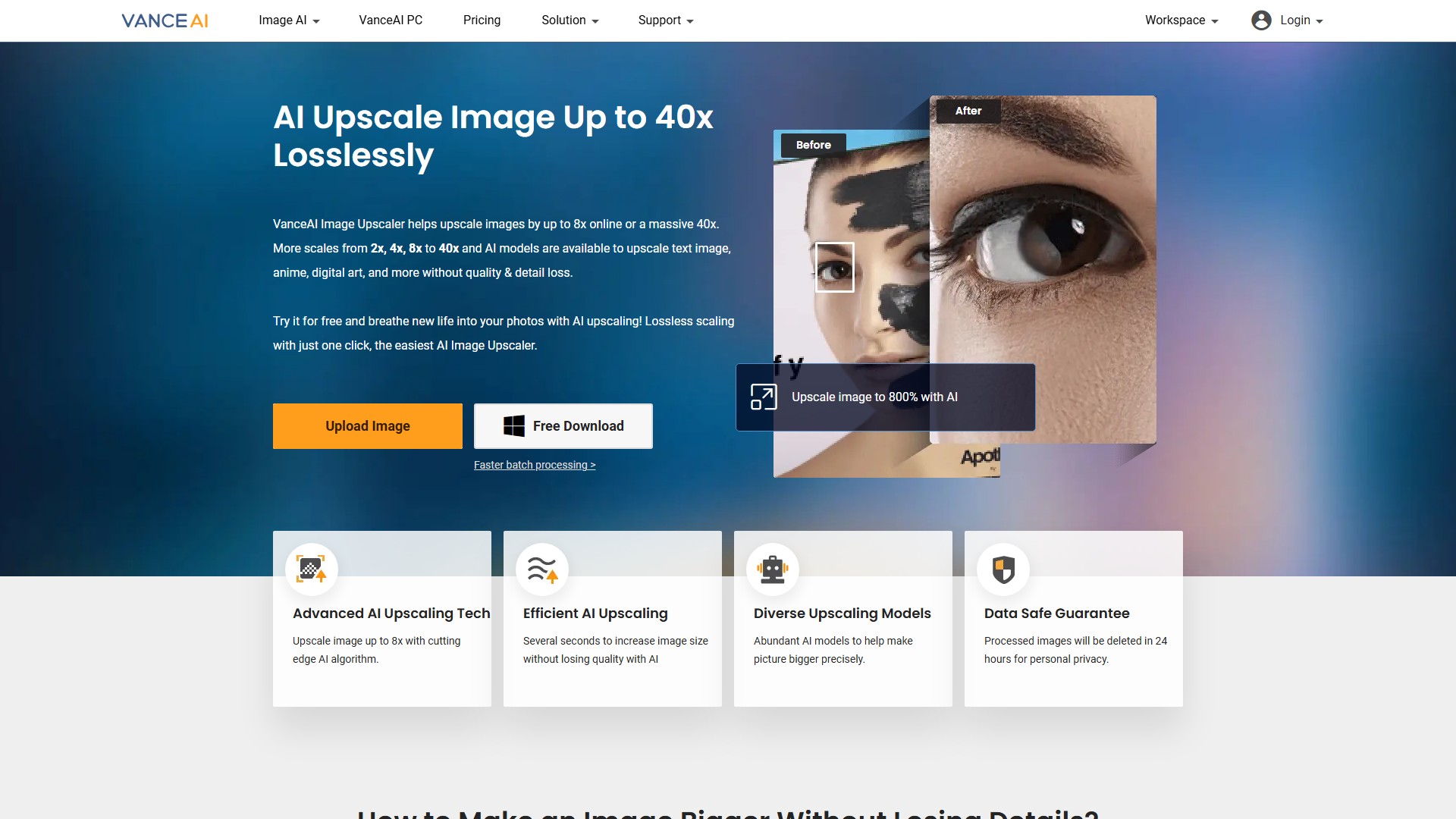
Main Features: AI lossless image upscaling, supporting 2x, 4x, 8x upscaling online, and up to 40x with PC software; increasing image resolution; restoring details and textures of low-resolution images; removing JPEG artifacts and grain; improving readability of blurry scanned documents and text images; enhancing face details (Enhance Faces); auto or manual noise suppression and blur removal.
Main Characteristics:
- Advanced AI Upscaling Tech: Powered by AI and Generative Adversarial Networks (GAN), unlike traditional upscaling which simply stretches pixels and causes blurriness, AI intelligently upscales images and restores lost details for crystal-clear, pixelation-free results.
- Efficient AI Upscaling: Increase image size without losing quality in several seconds.
- Diverse Upscaling Models: Offers Photo, Anime, Art & CG, Text, and Magic Enlarge AI models to precisely make pictures bigger for different image types.
- Data Safe Guarantee: Processed images will be deleted in 24 hours for personal privacy.
- Supports Customize output resolution, where the largest value of any single side cannot be larger than 8x of that side, and height adjusts automatically to maintain ratio.
Target Users: Professional photographers, e-commerce sellers (Amazon, eBay, Etsy, etc.), car dealers, digital artists & illustrators, graphic designers, social media marketers, individuals handling scanned documents/contracts/invoices, and general users looking to improve home decor, wallpapers, and printing quality.
Core Advantages: One-click automatic lossless upscaling; preserves sharp details, rich textures, and vibrant colors while upscaling to 4K or 800%; achieves high-quality prints without manually adjusting DPI or camera settings; eliminates pixelation and fixes lost pixels; easy to use without requiring professional skills like Photoshop.
Typical Use Cases:
- E-Commerce: Enlarge low-resolution product photos, banners, and posters to crisp 4K resolution to attract customers and increase conversions.
- Car Listings: Eliminate pixelation and upscale to 4K to highlight every detail from paint finish to accessories for professional listings.
- Print Quality: Magnify photos 2x, 4x, or 8x effortlessly for posters, banners, and professional prints while preserving sharp details.
- Art & Design: Sharpen blurry drawings, refine details, enhance pixel art, and upscale AI-generated images to stunning 4K resolution.
- Text Processing: Upscale blurry scanned documents, faded handwriting, or low-quality PDFs for sharper and more legible text.
Usage Process:
- Upload Image: Click the upload button. Supported formats: jpg, png, jpeg. Online max resolution: 2.8 MP (no more than 4000px on each side); Max file size: 5MB.
- Start to Process: Select a proper AI model and upscaling scale (2x, 4x, or 8x), adjust Suppress Noise and Remove Blur parameters if needed, then click "Start to Process".
- Download Image: Wait for several seconds to download the upscaled high-resolution picture.
Pricing Information: Freemium model available. Users can take a free trial, but processing requires Credits. Insufficient credits require upgrading/subscription. Subscribers enjoy benefits like watermark-free, uploading large images, and batch processing. Available as an online workspace and VanceAI PC software.
FAQ Information:
- How to enlarge a picture to print? Use AI Image Upscaler to losslessly enlarge images to printable size with full details within seconds, or download the PC version for batch processing.
- How to make an image bigger without losing quality? Upload an image and choose a scale; AI will make the picture bigger while retaining quality without needing expert skills.
- How to make a small picture bigger without pixelation? Powered by AI, the upscaler fixes lost pixels when making the picture bigger, depixelating images for crisp results.
- Is it necessary for professional photographers? Yes. Even with advanced cameras, zooming in reveals softness and flaws. AI upscaler enlarges images without sacrificing quality/details, with adjustable parameters.
- What image problems can be fixed? Created for all low-resolution images where details and textures are unclear, and works amazingly to remove JPEG artifacts and grain.
Débat