
How2

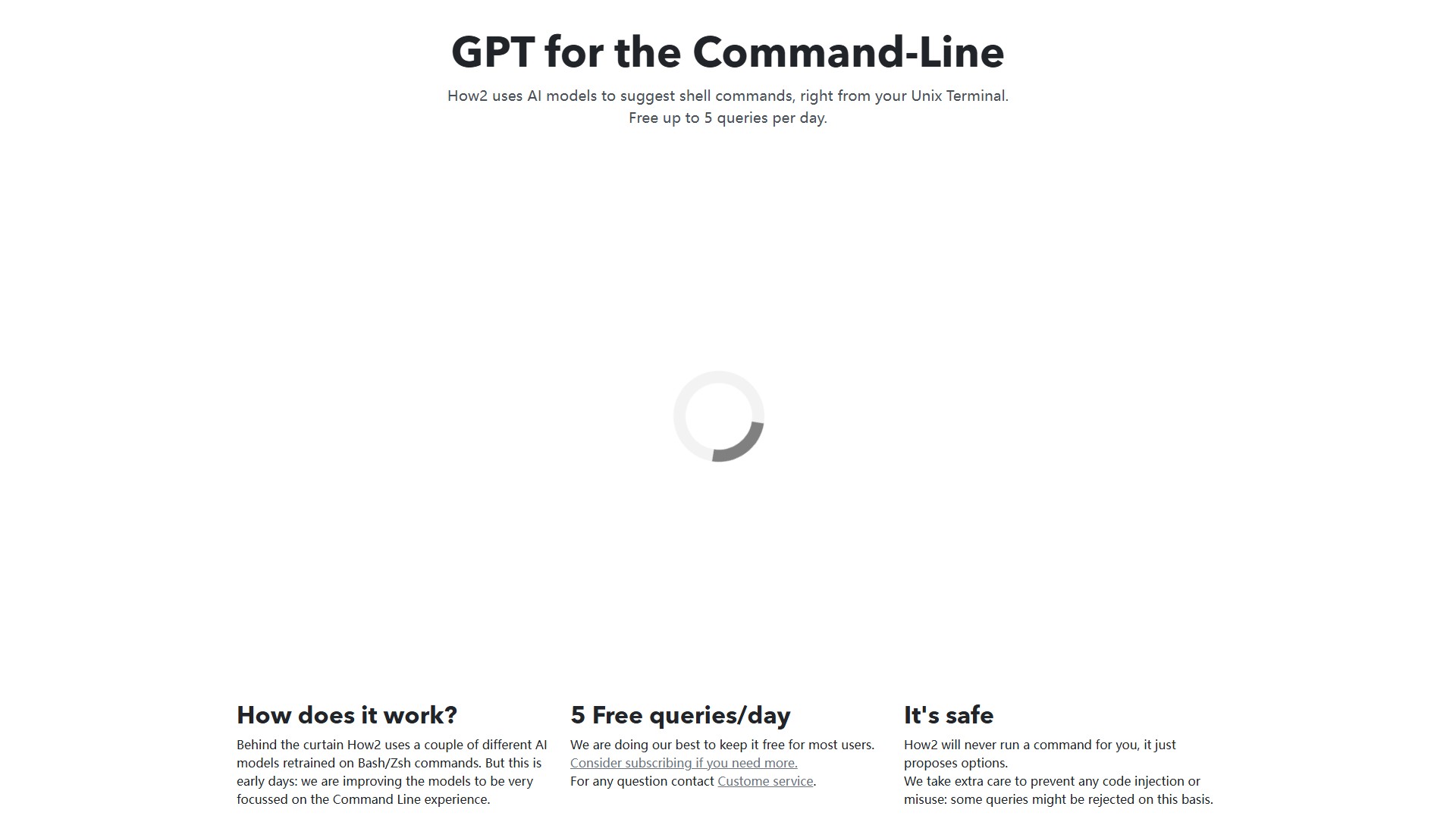
How2 is an AI tool designed for Unix terminals and the command-line, also known as “GPT for the Command-Line”. It suggests shell commands directly in the terminal using a couple of different AI models retrained on Bash/Zsh commands.
Core Features and Characteristics:
- Shell Command Suggestions: Proposes options directly in the terminal but will never run a command for the user, ensuring safety. Extra care is taken to prevent code injection or misuse, and some queries might be rejected on this basis.
- Bash Script Creation: Can quickly create Bash scripts. If the answer isn't what the user looked for, rewording the prompt by adding “for loop”, “bash script”, or “one liner” at the end goes a long way with large language models.
- StackOverflow Search: By default, it uses an AI model trained on Bash/Zsh programs. If the
-soption is passed, it searches StackOverflow via Google. - PowerShell Support: Understands the context and plays nicely with PowerShell too.
Usage and Installation:
- MacOSX: Install via Homebrew (brew tap how2terminal/how2 && brew install how2).
- Ubuntu/Debian: Download and install the how2.deb package (wget how2terminal.com/how2.deb && sudo dpkg -i how2.deb).
- Other Linux: Download the binary for Linux.
- Windows: Download the binary for Windows.
- npm: Install globally via npm (sudo npm install -g how2). If installed without sudo, run it with npx how2.
Pricing Model: Freemium model offering up to 5 free queries per day. Users needing more queries are encouraged to consider subscribing. For any questions, users can contact customer service.
Accès:
5.1K
Débat