
Trancy
Main Features
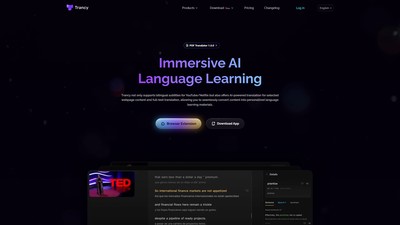
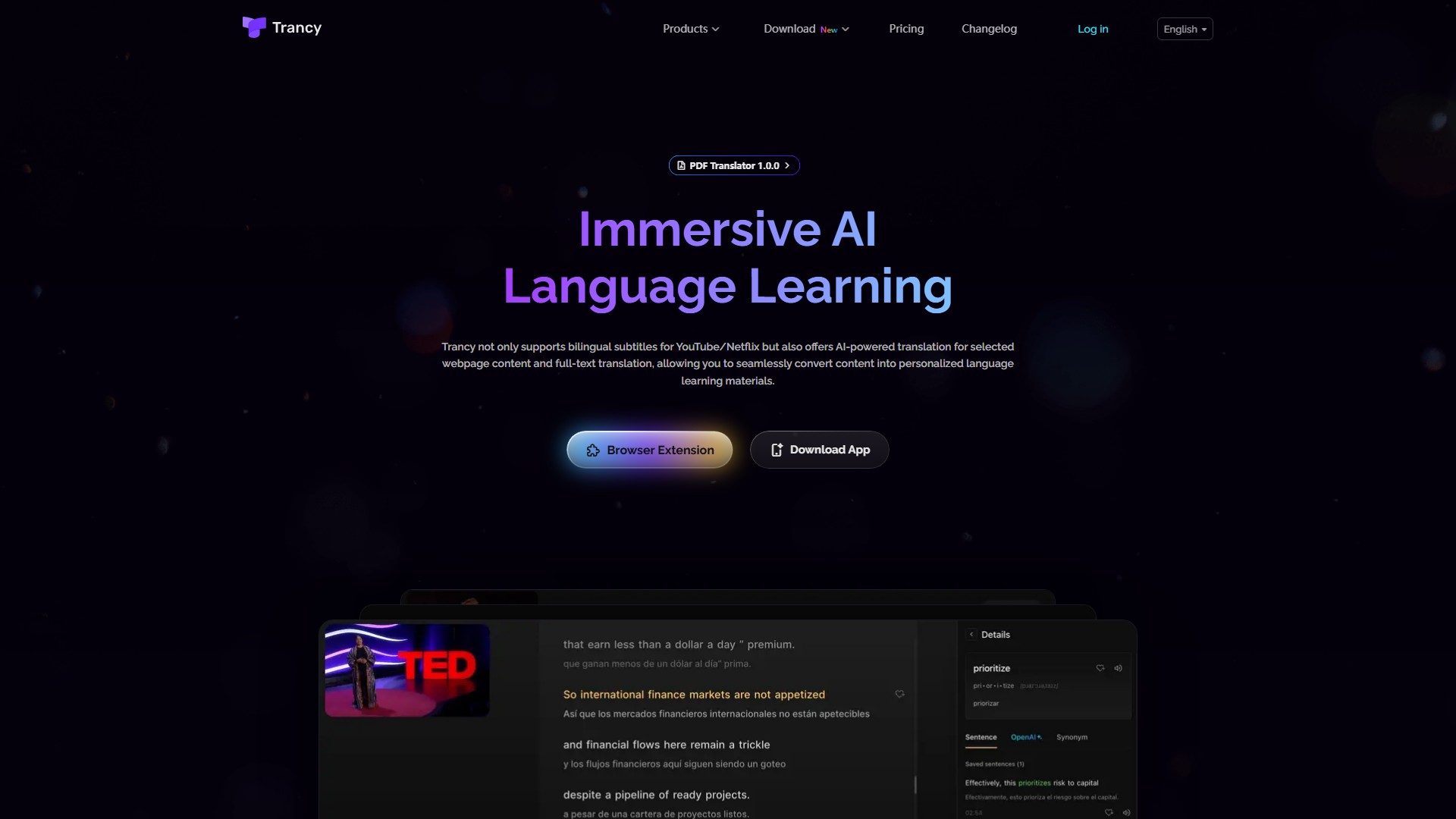
Bilingual Subtitles Find videos of interest on platforms like YouTube, Netflix, HBO Max, TED, edX, and Coursera, and use Trancy's AI bilingual subtitles feature to quickly understand content and practice listening and speaking. Offers two viewing modes: theater and reading. In the innovative reading mode, the video is reduced to one side and subtitles are displayed as text, helping users focus on understanding the sentence context and quickly grasp the video summary.
Webpage AI Text Selection Translation Supports multi-language text selection translation, full-text translation, and word example collection. Provides a sentence translation feature that goes beyond word translation; offers instant translation when selecting words on a webpage without switching pages, and allows adding unfamiliar words to the word list for review. AI can break down difficult sentence structures to deeply understand grammar, and tags key words with parts of speech based on intelligent sentence breaking. Highlights unfamiliar words while browsing to passively memorize new words.
Full-Text Immersive Translation Immersive context comparative translation breaks information barriers. Compare original and translated text differences without leaving the current page, and quickly translate the main part of an article via right-click or shortcut keys. Hover the mouse and set shortcut keys to quickly get translations of unfamiliar paragraphs for an immersive, efficient, and undisturbed reading experience. Supports custom translation engines like Google, DeepL, Microsoft, and Open AI, with customized treatments for various news websites, tech forums, and social media platforms like Twitter.
Creating Personal Learning Decks Organize favorite videos in one place for easy review and sharing; save favorite sentences to the library for real-life communication; customize the learning experience to focus on important topics and languages; learn languages anytime and anywhere through the web-based learning center.
Additional Features
- Subtitle Reading Mode: Adjust font and size of subtitles with auxiliary tools and shortcuts, quickly bookmark words and example sentences.
- AI Word Lookup: Quickly look up unfamiliar words and delve into definitions with the power of OpenAI.
- AI Grammar Analysis: Smartly analyze complex sentences, understand structure, and grasp key phrases.
- Intelligent Sentence Segmentation: Organize disordered subtitles into sentences with NLP to improve translation accuracy.
- Listening/Speaking Practice: Practice listening and oral reading with videos daily.
- Speed Playback: Adjust video playback speed for better understanding and practice.
- Word Highlight: Look up and save new words from subtitles and highlight them for reference.
- Lifelike Text to Speech: Improve pronunciation and speaking skills with natural sounding voices.
- External Dictionary: Access external web dictionaries for detailed and professional lookups.
- Speech Recognition: Use speech recognition to improve listening skills and pronunciation.
Target Users & Core Advantages
Targeted at users who want to learn languages immersively through videos and web browsing, supporting up to 10 languages. The core advantage lies in seamlessly converting YouTube/Netflix video watching and webpage reading into language learning materials, combining AI translation, NLP intelligent sentence segmentation, grammar analysis, and personalized learning decks for comprehensive oral and listening practice.
Pricing Model
The page mentions a Pricing link, indicating paid tiers. Combined with its basic and advanced AI features, it operates on a freemium model.
Comment