
online notepad
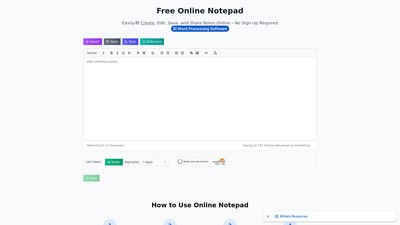
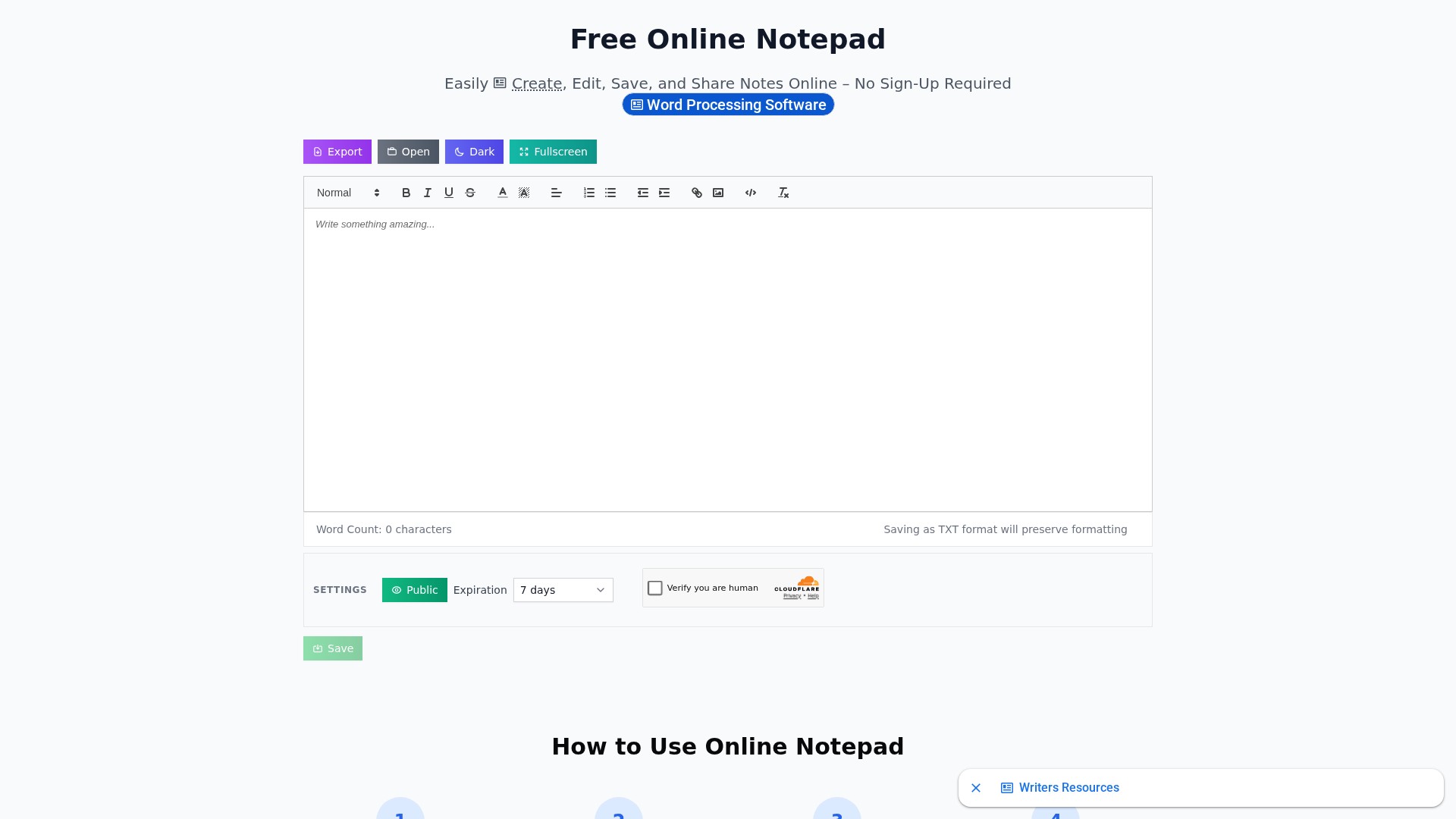
Main Features: Rich text editing (supports bold, italic, underline, and multiple fonts and sizes), auto-save locally in the browser, spell check, word count, fullscreen mode, dark mode, find and replace, download/print capabilities, and easy note sharing (generate shareable links or export to TXT and PDF formats).
Main Characteristics: No registration or account creation required to start using immediately; data stored locally without uploading to servers ensuring data safety; works offline once loaded; compatible with all modern browsers (Chrome, Firefox, Safari, Edge, etc.); supports both mobile and desktop, with the mobile version optimized for touch interfaces and the desktop version offering keyboard shortcuts and advanced formatting options.
Usage Instructions:
- Open the Online Notepad: Visit the website and it loads instantly in the browser - no installation required.
- Start Writing: Begin typing directly in the text area; content is automatically saved as you type.
- Use Formatting Tools: Utilize the toolbar to format text, change fonts, adjust sizes, and add special characters.
- Save and Share: Click the save button to download notes as a text file, share them with others, or print directly.
Target Users: Anyone needing quick online text recording, note editing, and sharing, across both mobile and desktop platforms.
Core Advantages: Completely free with unlimited notes; privacy and safety (data saved locally only); cross-device and cross-platform seamless use; offline availability.
FAQ Information:
- Is it free: Yes, completely free to create unlimited notes without charges.
- Installation required: No, it is a web-based tool working directly in the browser.
- Data safety: Notes are stored locally in the browser; servers never access or store personal content.
- Offline use: Yes, works offline once loaded as notes are saved locally.
- Supported file formats: Saves as plain text files (.txt), supports rich text formatting while editing, and allows direct printing from the browser.
- Browser support: Works on all modern browsers; latest version recommended for best performance.
- Data loss on closing browser: No, content is automatically saved locally and persists when returning.
- How to share: Generate shareable links, export notes to various formats (TXT, PDF), or copy text directly.
Comment