
Flair
Main Features:
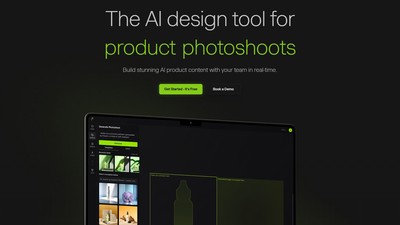
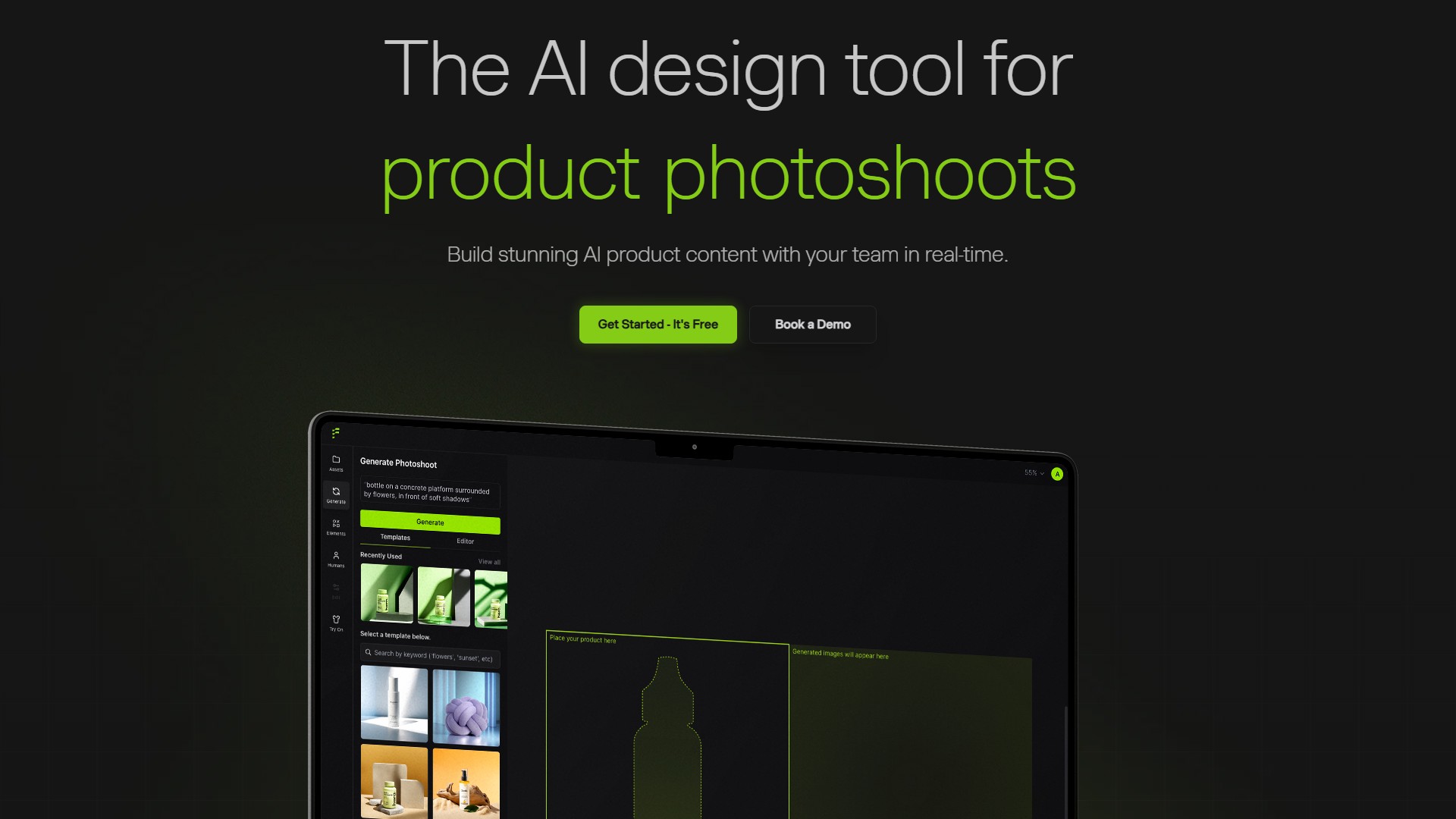
- AI Product Content Generation: Generate on-brand content for all business needs, including on-model photography, product videos, marketing & ads, and product photography.
- Drag & Drop Canvas & 3D Staging: Stage scenes digitally with drag & drop props and bring them to life with AI.
- Mix & Match Templates: Test design concepts that convert customers with one click. Build reusable templates at scale.
- Fashion Photoshoots: Fit clothing and jewelry onto AI generated models with patterns and logos preserved. Create high-quality on-model imagery at scale.
- AI Ad Generation: Generate high-quality ads for products with brand consistency alongside a library of templates.
- AI Human Models: Build custom AI human models based on features (hair color, body type, etc.) and scale them across all brand assets.
- AI Editing Tools: Includes Regenerate Product, Regenerate Human, Magic Erase, Upscale, Virtual Try On, Enhance Image Resolution, Generate Variations, and Extend Image Dimensions.
Core Advantages:
- Real-time Team Collaboration: Work together with your team in real-time.
- Brand Asset Management: Manage your brand assets in one place, ensuring content matches brand rules and aesthetic.
- Custom Background and Assets: Add your own backgrounds and props.
- API Access: Access via API for integration.
- Comprehensive Competitive Edge: Compared to platforms like Pebbely, Botika, and Claid, Flair uniquely offers a full suite of features including custom model image generation, on-model photography, instant image generation, background image regeneration, video generation, ad generation, AI editing tools, brand asset management, human builder, custom backgrounds/assets, team collaboration, and API access.
Target Users: Brands of all sizes and industries, including e-commerce and marketing teams in beauty, consumer packaged goods, jewelry, fashion models, furniture, tech, handbags, and food.
Usage Instructions & Workflow:
- Sign up to try for free or book a demo.
- Upload product images to the drag-and-drop canvas, add 3D props or custom backgrounds to digitally stage scenes.
- Use AI to generate vivid scenes, on-model imagery, ad creatives, or product videos.
- Refine images using AI editing tools (e.g., Magic Erase, Upscale, Virtual Try On, Generate Variations).
- Save as reusable templates for team collaboration and bulk content generation at scale.
Pricing Information: The page offers a free trial/getting started option ("Try Flair AI for free", "Get Started- It's Free"), alongside paid Enterprise options and API access. Specific pricing details require visiting the Pricing page or contacting them directly.
Visits:
39.5K
Country:
United States
Pricing Mode:
Freemium
Comment