
Describe Image
Main Features
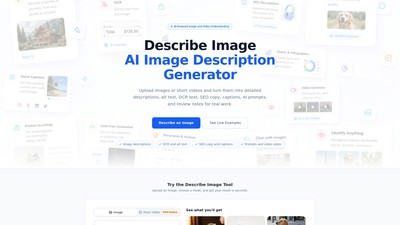
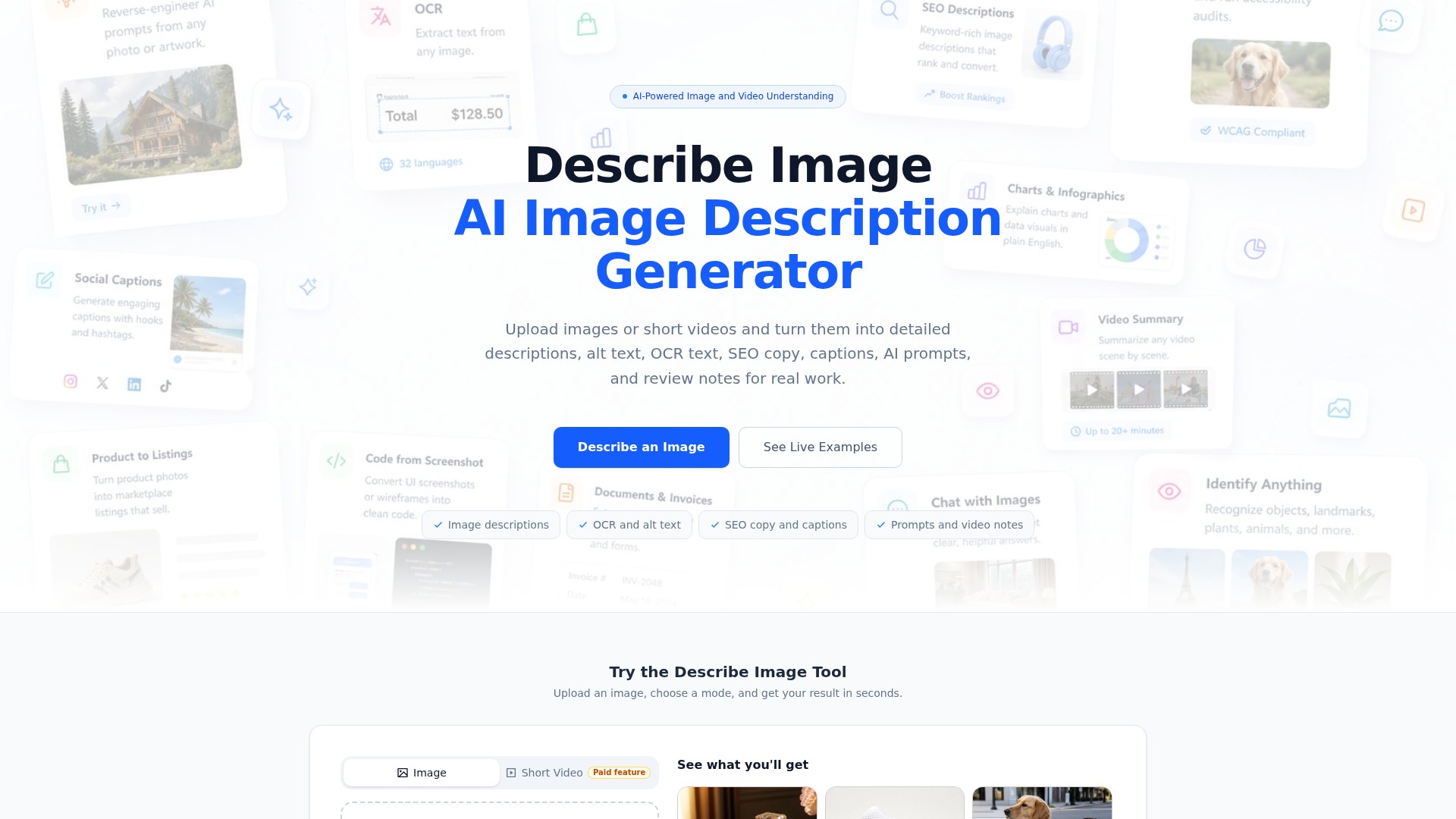
Describe Image is an AI-powered image and video understanding tool that allows users to upload images or short videos and get various output formats in seconds. Core functionalities include:
- Image Description Generation: Provides detailed and brief descriptions.
- Accessibility & SEO Optimization: Auto-generates WCAG-compliant Alt Text (under 125 characters), SEO descriptions, and keyword-rich image descriptions to pass accessibility audits and boost image search traffic.
- OCR & Document Extraction: Supports text extraction in 32 languages, reading handwriting, tilted shots, receipts, and dense documents while preserving layout structure and explaining context. Converts invoices, receipts, resumes, menus, and business cards into structured JSON or plain text.
- E-commerce & Product Listings: Turns product photos into structured listings with titles, bullet points, and descriptions ready for Amazon, Shopify, or Etsy.
- Reverse-Engineer AI Prompts: Extracts subject, style, composition, lighting, and color palette from any photo or artwork to generate prompts for Midjourney, DALL-E, Stable Diffusion, or Flux.
- Chart & Data Visualization Explanation: Turns bar charts, flowcharts, and infographics into plain-English explanations ideal for reports and documentation.
- Social Media Captions: Generates ready-to-post captions with hooks and hashtags for Instagram, X, LinkedIn, or TikTok from photos.
- Screenshot to Code: Uploads UI screenshots or wireframes to get HTML, CSS, or Draw.io diagrams.
- Video Summarization: Provides timestamped scene breakdowns of actions, on-screen text, transitions, and spoken context for clips up to 20+ minutes.
- Object Identification: Recognizes celebrities, anime characters, landmarks, plants, animals, products, and logos in photos.
- Interactive Chat: Supports multi-turn conversations with images or videos to refine results or dig into specific details.
How to Use
- Upload Your File: Drag, drop, paste a URL, or select a file. Supports JPG, PNG, WebP, GIF up to 15 MB.
- Pick Your Output Mode: Choose from Description, Alt Text, OCR, Prompt, SEO Copy, or Video Summary.
- Copy, Refine, or Export: Reuse the result instantly or regenerate for a different angle.
Target Users
E-commerce product listers, accessibility writers, SEO specialists, social media managers, customer support staff, creative directors, researchers, UI/UX designers, real estate agents, etc.
Core Advantages
One upload yields dozens of output possibilities; supports multiple models (describeimage.io 1.0 for faster speed, 2.0 for smarter results); provides 16 real prompts and AI output examples; supports multi-turn conversations for deep visual understanding; OCR preserves original layout structure.
Typical Use Cases
- Drafting product titles and feature bullets from supplier photos with no notes.
- Generating Alt Text under 125 characters for screen readers.
- Reading messy customer screenshots and drafting support replies.
- Pulling composition, lighting, and style words from reference images for AI generation.
- Summarizing dense lecture slides into student-friendly notes.
- Separating visible copy, layout, and possible issues from UI screenshots for Landing Page QA.
Pricing Information
- Free: $0, light image description, OCR, alt text, and prompt work, private saved results when signed in, good for occasional visual tasks.
- Basic: $4.99/mo or $49.99/year (save 17%), regular image and video workflows, descriptions, OCR, SEO, prompts, and captions, private history and reusable presets.
- Pro: $9.99/mo or $99.99/year (save 17%), more room for frequent visual work, faster generation, longer video review workflows.
- Studio: $19.99/mo or $199.99/year (save 17%), high-volume creative and content work, batch-style image work and longer video review, priority support.
Pricing Mode:
Freemium
Paid
Comment