SEO
Google Ads Keyword Match Type Helper
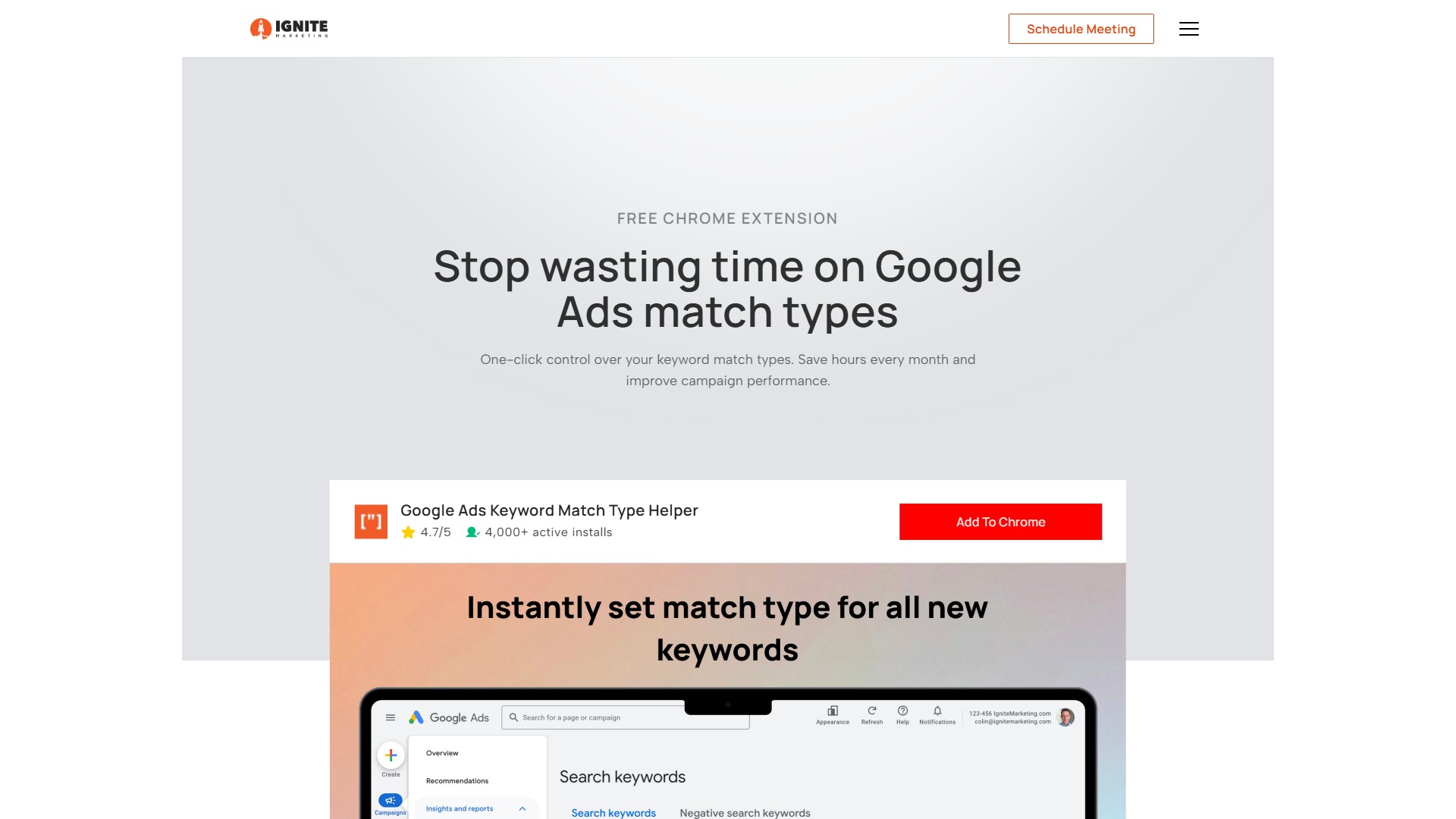
A free Chrome browser extension designed for Google Ads users, enabling one-click setup of keyword match types (Exact, Phrase, Broad) with bulk operation support. It aims to save time, reduce errors, and optimize campaign performance.
Views
-
Monthly visits
--
Global rank
--
Votes
0
About this tool
Main Features
- One-Click Match Type Selection: Choose "Exact," "Phrase," or "Broad" match with a single click when adding keywords.
- Bulk Update: Change match types for multiple keywords at once to improve efficiency.
- Universal Compatibility: Works across all Google Ads screens.
Problem Solved
Google Ads automatically sets new keywords to "Broad" match. To use "Exact" or "Phrase" match, users must manually add symbols (e.g., [keyword] or "keyword"), a process that is time-consuming, tedious, and error-prone, potentially leading to wasted ad spend.
How to Use
- Install the Extension: Add the free extension to your Chrome browser. No account creation or configuration is needed.
- Choose Your Match Type: When adding keywords in Google Ads, click the desired match type (Exact, Phrase, or Broad).
- Update in Bulk: Modify match types for multiple keywords simultaneously before adding them to your campaigns.
Target Users
PPC specialists, agency owners, digital marketers, and anyone using Google Ads.
Core Advantages
- Time-Saving: Saves hours of manual work every month.
- Error Reduction: Prevents match type errors caused by manual symbol entry.
- Performance Improvement: Optimizes campaign performance and reduces wasted spend by providing precise control over match types.
Pricing & FAQ
- Is it free?: Yes, the extension is completely free.
- Is my data safe?: The extension prioritizes user data safety.
- Will it affect my campaign performance?: The tool is designed to improve campaign performance by reducing errors.
Traffic analysis
Traffic, ranking, and engagement signals for this tool.
No analytics data yet
Interface preview